
 latent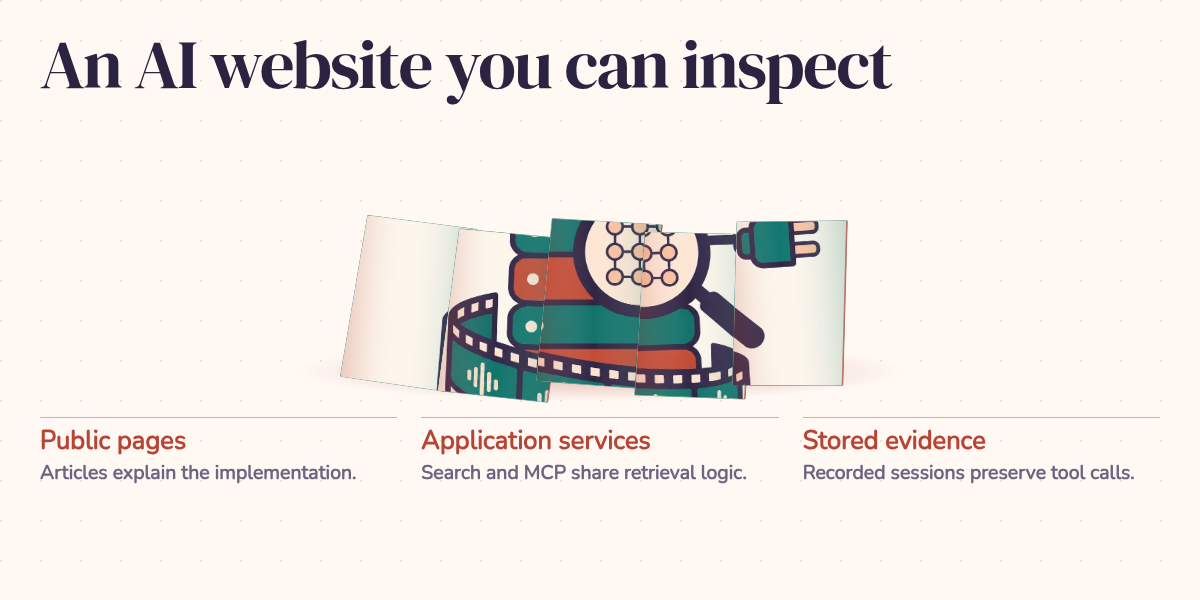
An AI portfolio can give a visitor a strangely fragile experience: the explanation is ready, but the demonstration depends on a model answering successfully right now. If the service is unavailable, the reader loses the part that was supposed to make the explanation convincing.
I built latentSource around a different requirement: someone should be able to inspect a project without starting a new model call. Articles explain the decisions, saved interactions show what happened, and linked evidence lets readers check the connection. Live chat has its place, but reading an engineering article shouldn't require commissioning another experiment.
Follow one answer back to its source
Take the project that exposes this blog through MCP, a protocol assistants use to discover and call tools. Alongside its explanation, the article includes a saved blog-search session. The visitor can follow a question through a tool call and its returned articles to the assistant's answer.
In the stored interaction, the question is "What does this blog say about using PostgreSQL for vector search?" The assistant calls blog_search with PostgreSQL vector search pgvector. The tool returns 20 results, headed by the pgvector article, and the answer links readers to relevant posts.
That sequence is much more useful than an answer floating alone in a chat bubble. You can inspect the query the assistant chose, see what the tool returned, and check whether the response follows from it. The tool result in this recording contains article summaries and metadata; it doesn't show the assistant reading each complete article. That distinction matters when judging how well a detailed claim is supported.
The recording also has a specific boundary. It captures the shared blog-search tool, not a model connecting through the public MCP transport. The project's Agents page holds the recorded client demonstration. Its protocol capture separately records initialization, tool discovery, and a deliberately missing article. Keeping those artifacts distinct lets the reader see which part of the system each one demonstrates.
Run once, inspect repeatedly
The playback system separates a scene from a recording. A scene defines the configuration for a run, including its prompt and tools. A recording stores the events that occurred: messages, tool calls, tool results, and answer text. Once a recording is marked ready, the public player can retrieve and display those saved events.
Replaying that record makes no fresh inference request. The capture incurred the model work; subsequent readers incur the work of serving and displaying it. That removes the model provider from the replay's immediate dependencies, although the website and its storage still need to work. Playback pacing can shorten pauses, so watching the animation is not a latency benchmark.
A saved interaction gives everyone the same event sequence to examine. It doesn't establish how often the agent succeeds on other questions, or guarantee that rerunning it against today's models and articles will produce the same answer. Think of it as a lab notebook entry you can open and inspect. To reproduce the experiment, you still need the relevant inputs, configuration, tools, and data.
The smaller project explorers follow the same principle. Some use saved data; others run deterministic examples in the browser. Their labels distinguish captured activity from synthetic demonstrations. Existing live chat remains a separate feature, with usage recording and resource controls for new requests.
Help readers find the right evidence
A replay is useful only if readers can find the article that explains it. The current search path uses EmbeddingGemma 2 to represent article passages as vectors, numerical descriptions used to compare meaning, and stores them in PostgreSQL. It combines semantic ranking with PostgreSQL keyword ranking. Hybrid search can admit a passage through either ranking; semantic mode uses similarity alone. Results are grouped back into articles so one long post doesn't occupy every slot.
This distinction has a practical effect. In an illustrative search, a reader might ask about "finding similar documents" while an article uses "vector search." Semantic matching gives those different wordings a chance to meet. Keyword ranking still helps when a reader knows an exact term. Whether the combination finds the best article needs testing against a fixed set of questions; the architecture alone cannot answer that.
An older BM25 and vector search path remains available when the shared embedding service is disabled. That path requires a keyword match in hybrid mode. It should not be confused with the current passage-based pipeline, and an older recording should not be treated as a test of the current search implementation.
The read-only MCP interface provides another entrance to published content through search, article retrieval, and listing. Administrative actions remain outside that tool catalog. The public MCP companion includes setup instructions and protocol tests for readers who want to run the integration pattern themselves; its synthetic articles and simpler search do not reproduce this site's full retrieval system.
Keep the explanation attached to the implementation
The application still needs ordinary website engineering. Next.js renders the public pages and admin editor. FastAPI serves content, search, and playback, while PostgreSQL stores articles, metadata, and recordings. Docker and a reverse proxy provide the deployment boundary.
Articles also have Markdown copies under data/articles/. Editor saves maintain those backups, and startup reconciliation can import authored disk changes. Evidence links and featured ordering must survive that round trip along with the prose. A beautifully revised article is less useful if saving it silently loses the link to its data.
Locale-aware pages, a sitemap, and an RSS feed help readers reach the content. Social previews use a manifest of static images with versioned filenames, giving changed images distinct cache keys. Article header animations are separate from those previews and from recorded Agent demos. Inside the admin console, editing, imagery, playback management, usage information, and custom résumé generation support authoring; they aren't capabilities granted to anonymous chat visitors.
What the visitor should be able to verify
The useful result of this architecture is a reading experience that survives without a fresh model response. A visitor can follow the explanation to a recorded interaction, inspect the tool result, and open the supporting material. The same separation makes its limits visible: a captured answer, a protocol test, and a live service answer different questions.
That's the standard I would use to evaluate an AI portfolio. Can a reader explain what the system did, identify the evidence supporting the claim, and recognize what the demonstration leaves untested? Retrieval quality, mobile replay usability, and working source links matter because they help that reader complete the check. If the visitor leaves knowing how the project works and what would be needed to test it further, the site has done something more useful than display a successful answer.