
 latent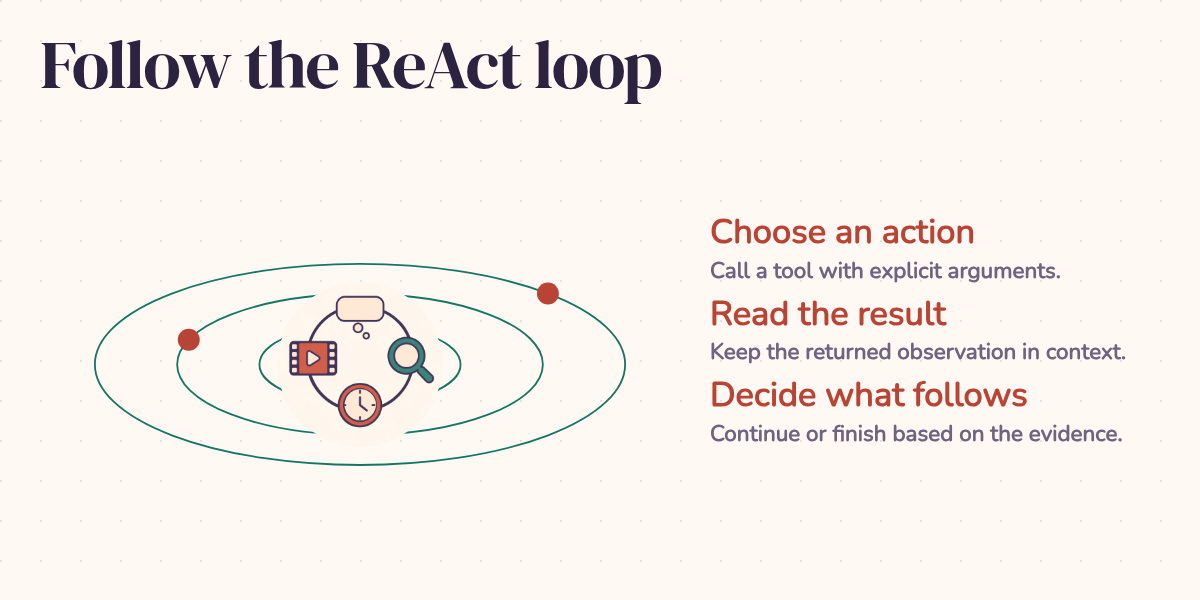
A movie-clip agent can write a convincing account of a search without searching anything. A video ID, a timestamp, even a tidy "tool result" can all be generated text. The dangerous part is how much that account resembles a completed job.
During development, presenting the tool protocol as text examples sometimes led the model to write a fabricated transcript. The useful question is what changes when the application dispatches real calls. We can follow one recorded search for "Houston, we have a problem" and see where each piece of the answer came from.
Give the model something to come back with
ReAct means Reasoning + Acting. Instead of asking for a finished answer in one response, the application lets the model choose a tool, executes that request, and returns the result. The model then decides what to do with the new information. It can search again, use another tool, or finish.
Think of asking a colleague to find a particular line in a film. Knowing the film helps, but you still need an available video and the point where the line occurs. You wouldn't accept "I looked it up" as a substitute for the link. The loop makes those intermediate steps available for inspection.
This widget replays captured events from the movie-clip agent. Select "Houston, we have a problem" to follow the example below; pressing play doesn't call a model.
Recorded movie-clip agent runs, including tool requests, returned results, any exposed thought summaries, and the final answer. Playback compresses long waits and animates text, so use the event timestamps rather than the animation to measure duration.
The Houston recording contains four dispatched tool calls followed by a final answer. Its last event is at 21,851 milliseconds. That is one captured run, not a benchmark for the agent's typical speed. The public event record supplies the excerpts below.
Thought, action, observation
The loop has three logical phases. The model considers its current information, requests an action, and receives an observation from the application:
These phases describe the control flow. They don't mean the recording exposes every internal operation of the model. Gemini's displayed thought text is a summary, not a complete private reasoning transcript. In this recording, the exposed summary appears near the end, after the tools have returned. Its opening reads:
I've got the essentials locked down: Apollo 13 from '95, directed by Ron Howard.
There is no visible thought block before every call. Google's thinking documentation makes the distinction between internal reasoning and its summaries explicit.
The action boundary is more concrete. The application declares five functions: web_search, youtube_search, get_timestamp_from_text, process_video, and finish. Gemini returns function-call objects with a name and arguments. The executor looks up that name and runs the corresponding implementation. It does not extract a pretend action from an ordinary paragraph.
The observation is the executor's returned result. That establishes its origin, though the result can still contain poor search matches or a model's mistaken interpretation of a video. Knowing who supplied a value is the beginning of checking it.
From a famous quote to a particular video
The first call searches the web for the quote and film details. Its result contains a small trap: the top-level title is Houston, We Have a Problem!, the unrelated 2016 film. Further down, the raw search results discuss the line in Apollo 13.
That is useful evidence about the task. A search response is a collection of candidates to interpret, not a certificate that the first title is the answer. The agent moves on with Apollo 13 and requests:
{"name": "youtube_search", "args": {"query": "Apollo 13 \"Houston, we have a problem\" scene official"}}Here are the video IDs, titles, channels, and view counts from that call's result. Descriptions and the top-level error field are omitted for readability; counts belong to this recording:
{
  "results": [
    {
      "video_id": "YwG4F-16Tno",
      "title": "Apollo 13 | \"Houston, We Have a Problem\"",
      "channel": "Universal Pictures",
      "view_count": 7698485
    },
    {
      "video_id": "MdvoA-sjs0A",
      "title": "Apollo 13: ‘Houston, We’ve Had a Problem’",
      "channel": "NASA",
      "view_count": 6650986
    },
    {
      "video_id": "C3J1AO9z0tA",
      "title": "Apollo 13 (1995) - Houston, We Have a Problem Scene (4/11) | Movieclips",
      "channel": "Movieclips",
      "view_count": 2803181
    },
    {
      "video_id": "Bti9_deF5gs",
      "title": "Apollo 13 1995 - Houston, We Have A Problem",
      "channel": "Movie Quotes",
      "view_count": 354245
    },
    {
      "video_id": "fgvC-1TZP9E",
      "title": "Apollo 13: Houston, We Have a Problem (HD CLIP)",
      "channel": "Binge Society",
      "view_count": 135056
    }
  ]
}
The selected video is the first result, labeled Universal Pictures. The NASA result is a useful complication: a recording of the historical mission and a scene from the film can both match the words in the query. Popularity alone wouldn't settle which one the user wanted.
The next call carries the chosen video ID forward:
{"name": "get_timestamp_from_text", "args": {"snippet": "Houston, we have a problem", "video_id": "YwG4F-16Tno"}}Despite its name, get_timestamp_from_text doesn't search a local transcript. Its implementation sends the YouTube URL and requested phrase to Gemini's video-understanding interface. The response asks for a start, an end, a confidence value, and a description of the match. In this run it returned:
{
  "error": null,
  "confidence": 1.0,
  "end_seconds": 46,
  "matched_text": "Houston, we have a problem",
  "start_seconds": 44
}
The proposed interval is 44 to 46 seconds. matched_text agrees with the requested line, and confidence is 1.0. Those are the timestamp model's outputs. There is no independently calibrated measurement here that turns 1.0 into a guarantee of a verbatim match.
This distinction matters because the next tool is deliberately simple. process_video received the video ID and start_time: "44", converted the time to an integer, and built a URL:
{
  "status": "success",
  "message": "Clip ready → https://www.youtube.com/watch?v=YwG4F-16Tno&t=44s  (starts at 44s)",
  "clip_url": "https://www.youtube.com/watch?v=YwG4F-16Tno&t=44s",
  "video_id": "YwG4F-16Tno",
  "start_seconds": 44
}
It doesn't download a clip, inspect the frames, or listen to the audio. Its success means that URL construction completed. To establish that the link starts at the right spoken passage, someone or another checking process still needs to play the source and compare it. This recording shows the timestamp returned and used; it doesn't contain that independent check.
The useful result is a traceable path from the requested quote to a candidate video and a proposed starting point. Each tool supplies information for the next decision. You can inspect the path and see where an error would enter.
How the next round remembers the last one
The application keeps a chat session. After a tool returns, it appends a function response and sends that information back to the model. The original query, earlier calls, and their results supply the context for the next round.
Without that history, the timestamp result would be a number without a job attached to it. With the history, the model can associate 44 seconds with the selected video and the user's quote. This is the operational meaning of memory in this loop: the application carries the conversation forward rather than asking a fresh model call to reconstruct the task.
A growing conversation can also benefit from prefix caching, where the provider reuses processing of repeated input. Reusing a prefix doesn't establish a cache hit or a particular saving. Those depend on the provider's conditions and reported usage. The recording doesn't include a billing comparison. Google's caching documentation describes the cache conditions and usage reporting.
What the tool contract enforces
Structured calls solve a specific engineering problem. The dispatcher gets a named function and arguments as objects, rather than guessing which sentence is meant to be executable. Google's function-calling guide describes this separation between the model's request and application execution.
In this implementation, the executor checks that the requested tool belongs to the interaction. For native tools, it looks up the registered Python function, filters out extra arguments the function doesn't accept, and returns an error when invocation fails. The capture loop also detects malformed-call responses and allows up to two retry nudges within the round budget.
Those checks help with dispatch. They aren't a complete validation policy for the answer. A declared string parameter can still contain an invented video ID. An integer can still be the wrong second. The URL builder even falls back to zero if it cannot parse the supplied start time, then returns a success-shaped result.
The system prompt instructs the model to search for verification, call the timestamp tool before building a URL, avoid invented observations, and finish promptly. The Houston run follows the intended sequence. However, the executor does not maintain a dependency record proving that every video ID came from search or that every timestamp passed a confidence check. The model could supply values out of order. Requiring arguments is different from enforcing their provenance.
For a stricter application, I would make those prerequisites executable checks: accept a selected video from the search results, reject timestamp errors and invalid intervals, and require the URL builder to use the accepted result. The current loop is a good way to expose the work; those additional checks would make specific shortcuts harder to take.
Finishing is a decision too
finish is declared alongside the other tools, but the capture loop handles it specially. Its response argument becomes the final answer event and ends the loop. The public recording stores that answer event rather than the raw finish arguments. Here is the recorded event text:
{
  "type": "final_answer",
  "text": "One of the most famous misquotes in cinematic history comes from **Apollo 13** (1995), directed by Ron Howard. While the real-life astronaut Jack Swigert actually said, \"Houston, we've had a problem,\" the film version delivered by Tom Hanks (as Jim Lovell) changed it to the iconic present-tense line: **\"Houston, we have a problem.\"**\n\nThe moment occurs after an oxygen tank explosion cripples the spacecraft, forcing the crew and Mission Control into a desperate race to bring the astronauts home safely.\n\nhttps://www.youtube.com/watch?v=YwG4F-16Tno&t=44s"
}
The scene configuration allows eight rounds. Its prompt encourages completion in three or four steps and tells the model to finish by round seven unless another critical call is needed. The code enforces the maximum number of rounds; the prompt supplies the encouragement. Reaching the cap doesn't itself guarantee a useful concluding answer, and a response with no function calls can also end the loop.
The final Houston answer combines the returned URL with film and historical context. The search results contain some relevant context, but the recording does not establish a source for every sentence or reveal exactly which facts came from training. Finding a timestamp cannot verify the director, actor, or historical wording. Those claims need their own evidence if the application promises a fully grounded answer.
The scene also offers other queries and an out-of-scope example. The same finish mechanism lets an agent decline a request without manufacturing a search. A useful stopping rule needs to handle both "I found enough" and "this task doesn't belong here."
What the replay lets us judge
The captured events preserve requests, results, exposed summaries, and the final answer. The player shortens long gaps and adds typing and answer animation. It is useful for examining the order and content of the run, not for watching every millisecond exactly as it happened. The original fabricated-transcript incident is part of the development account; it is not one of the events in this Houston recording.
That separation is the lesson I would carry into another agent project. A convincing paragraph tells us what the model says happened. Dispatched calls and recorded results let us inspect what the application actually did. In this run, they show how a quote became a video selection, a proposed 44-second timestamp, and a usable URL format.
ReAct gives the model a way to gather information and revise its next action. Structured dispatch makes those actions concrete enough to inspect. Neither removes the need to judge the returned information. For this movie task, the final test remains refreshingly ordinary: open the returned clip and check whether it delivers the line where the answer says it does.