
 latent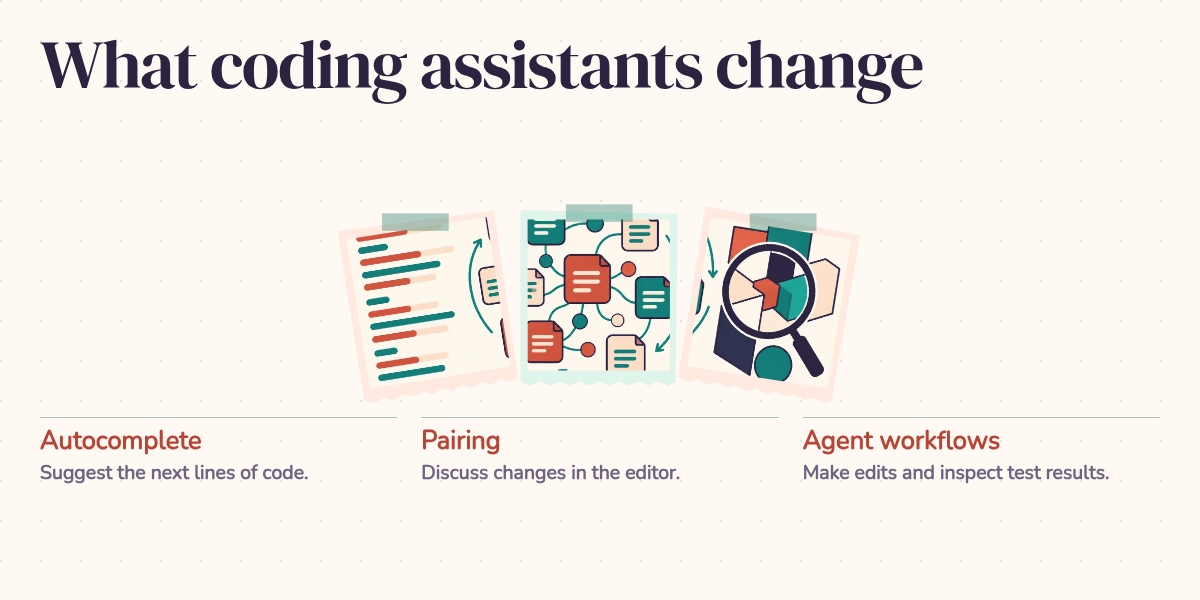
Imagine accepting an AI-generated retry function because the tests pass. Then someone asks what happens if a payment succeeds but the response times out. Will the retry charge the customer twice? You can ask the assistant for another patch, but you can't yet explain the first one.
That dilemma captures what worries me about AI-assisted development: finishing a task and understanding the result can become separate achievements. The useful question is how to get the help while keeping the ability to judge it.
What the productivity numbers actually measure
AI can save substantial time. The size of that saving depends on the task, the developer, and the tool. Three controlled studies make the variation clear:
- A study of 95 professional programmers asked participants to implement an HTTP server in JavaScript. The group with GitHub Copilot completed the task 55.8% faster. That is evidence about a defined implementation exercise, not a 55.8% improvement across an entire engineering job. Peng and colleagues
- A Google experiment with 96 engineers estimated about a 21% reduction in time on a complex enterprise task using internal AI features. The researchers reported substantial uncertainty around that estimate and warned against generalizing it across tools and settings. Paradis and colleagues
- METR's early-2025 experiment covered 16 experienced developers and 246 real issues in repositories they already knew. Allowing AI increased completion time by 19%. Even afterward, participants believed it had made them faster. This was a particular set of developers, repositories, and tools, not a verdict on every coding assistant. METR study
There is no useful average to take across those percentages. Building a small server and changing a mature repository put different demands on the developer. A model can produce a familiar API client quickly; adapting it to undocumented retry rules may take longer than writing it yourself. Count review and repair time when judging the result.
None of those studies measures what a developer will understand a year later. That requires a different question and a different experiment.
The learning question has its own evidence
In a January 2026 study, Anthropic recruited 52 mostly junior engineers who knew Python but were unfamiliar with Trio, an asynchronous programming library. Participants completed a learning task, with or without AI assistance, then took a quiz without it. The AI group averaged 50%, compared with 67% for the group coding by hand: a 17-percentage-point gap. The modest time saving was not statistically significant. Study and results
This measured understanding immediately after learning a new library. It doesn't establish that years of AI use will erode an experienced engineer's skills. It does show why a working solution is an incomplete measure of a learning session.
The researchers also observed different ways of using the assistant. Participants who asked conceptual questions or worked through explanations showed stronger comprehension than those who delegated the work extensively. Those usage patterns weren't separately randomized, so they suggest a useful practice rather than prove a recipe. Research paper
The mechanism is easy to recognize. Debugging forces you to predict what code will do, compare that prediction with reality, and revise your understanding. If every unexpected result becomes another request for generated code, you can skip that reasoning. Asking for an explanation helps only if you can connect it to what the program actually does.
Experience helps, but it isn't immunity
A developer who already understands retries can inspect the opening example and ask about duplicate operations. A developer learning the subject may see a loop, an exception handler, and passing tests. Both see the same code; only one knows which missing condition matters.
That is the junior-developer concern worth taking seriously. The work AI helps someone skip may also be the practice they need. It isn't a reason to ban the tools, or to assume that junior developers can't use them thoughtfully. It is a reason to make understanding part of the assignment.
Senior engineers face the same problem when they enter an unfamiliar area. Knowing databases well doesn't automatically make someone a good reviewer of cryptography or concurrent memory access. Experience helps you recognize uncertainty, but it doesn't fill every gap.
Architecture and code reading need practice too. Generating another component is cheap; deciding whether it belongs in the system still requires tracing how data and responsibilities move between components. An assistant's explanation is useful preparation for that reading. Check it against the implementation before relying on it.
Bigger contributions require deeper review
Autocomplete, prompted generation, and coding agents change how much work arrives for review. With autocomplete, you're usually following the code line by line. A generated function asks you to assess a complete approach. An agent that edits several files asks you to understand the interaction among those changes.
Copilot, Cursor, Claude Code, and Devin are familiar names in this progression, although products span several modes. Research systems such as SWE-agent demonstrated repository navigation, file editing, test execution, and successful bug fixes. Those capabilities make larger delegations possible; each result still needs assessment in its own repository.
The following sketch illustrates the changing size of a request. The years are a simplified narrative, not release dates or a claim that each capability first appeared then. These modes coexist.
Evolution of developer-AI interaction:

2022: "Complete this line"        → Developer writes, AI suggests
2023: "Write this function"       → Developer directs, AI implements
2024: "Build this feature"        → Developer specifies, AI executes
2025: "Fix this bug"              → Developer reviews, AI contributes
2026: "Implement this design doc" → Developer architects, AI builds
The review problem grows with the contribution. For a small completion, you might check a condition. For an entire feature, you need to ask whether it uses the existing authorization rules, shares the right utilities, and handles failures consistently with the rest of the application.
This is where the original skill concern becomes practical. Reviewing a pull request requires reading unfamiliar code, tracing behavior, and assessing architectural fit. Those are the same skills a developer can stop practicing when delegating whole changes without examining them.
What to look for beyond passing tests
Return to the hypothetical payment retry. A test that checks a successful response tells you little about a successful charge followed by a lost response. You need a way to ensure that repeating the same payment request doesn't create a second charge, and a test for that failure sequence. The important knowledge is the system's behavior when the network leaves you uncertain.
Apply that same reasoning elsewhere. In a large codebase, check whether generated code duplicates an existing utility or bypasses an implicit contract. For concurrency, consider what happens when two requests arrive together. For security, inspect authorization and how untrusted input reaches queries or commands. Asking an assistant to review security can help, but its assurance doesn't establish that the boundary holds.
Performance needs context as well. A query that behaves well with a small fixture may become expensive with production-sized data. Give the assistant the constraints, then measure the path that matters. A passing test suite answers the questions those tests ask; the reviewer is responsible for noticing missing questions.
A routine that preserves understanding
I would make comprehension visible in the development workflow:
- Before asking for implementation, write down the intended behavior and a failure case. For an unfamiliar codebase, read the relevant path first and form your own explanation.
- Ask for a change small enough to review. Trace the inputs, state changes, and error handling before accepting it. Use the assistant's explanation to investigate anything you can't follow.
- Predict a result, then test it. In the retry example, simulate the lost response after success and check whether a second charge can occur. This tests your understanding as well as the code.
- Keep some practice independent. Implement a core data structure while learning it, diagnose selected bugs before asking for help, and sketch architectural decisions before requesting code.
- Revisit unfamiliar work later with the assistant closed. Explain why it works, make a small change, or diagnose a related failure. If you can't, return to that gap rather than counting the original completion as mastery.
Track the cost of the whole task, including review and rework. Separately, check whether you can explain and modify what you accepted. Faster completion and better understanding are both valuable, and neither can stand in for the other.
The retry function is ready when you can explain what prevents a duplicate charge and show that behavior under failure. AI can help you reach that point. Keeping that standard makes its speed useful: you finish with code you can maintain and knowledge you can use on the next problem.