
 latent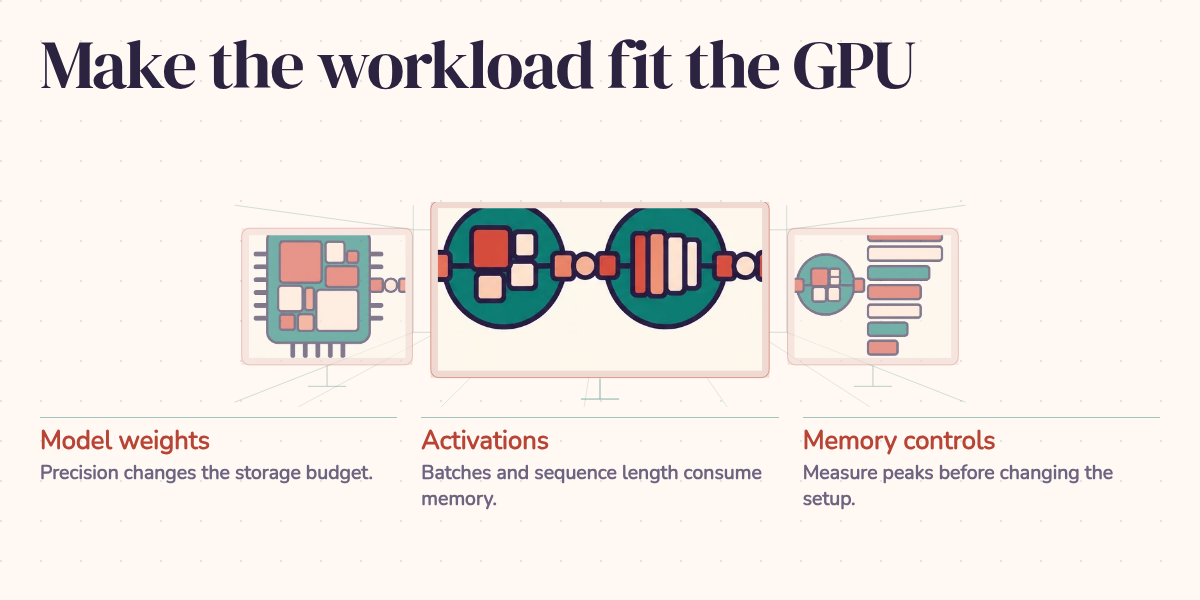
A 7-billion-parameter model stored in BF16 needs about 14 GB for its weights. Put it on a GPU with 24 GB of memory and the arithmetic looks comfortable. Then you start training and meet CUDA out of memory.
The missing part of that calculation is the work. Training needs space to remember how to update the model. Serving needs space for the conversations in progress. Think of the weights as furniture: getting it through the door doesn't tell you whether there's room to move around. Before buying a larger GPU, identify which allocation is filling the room.
What the weight estimate tells you
The starting calculation is simple:
Memory (bytes) = Parameters × Bytes per Parameter
| Precision | Bytes per Param | 7B Model | 13B Model | 70B Model |
|---|---|---|---|---|
| FP32 | 4 | 28 GB | 52 GB | 280 GB |
| FP16/BF16 | 2 | 14 GB | 26 GB | 140 GB |
| INT8 | 1 | 7 GB | 13 GB | 70 GB |
| INT4 | 0.5 | 3.5 GB | 6.5 GB | 35 GB |
Calculated weight storage in decimal GB, excluding runtime allocations and quantization metadata. The 70B INT4 estimate is 35 GB; that alone does not establish whether a workload fits on a 40 GB GPU.
These are idealized storage sizes: 1 GB means a billion bytes, not a GiB. Quantized formats also need metadata such as scales, and some tensors may remain at higher precision. The bitsandbytes documentation describes these mixed representations. The chart is a calculation, not a measured deployment footprint.
For full training, consider this explicit 7B memory budget using a mixed-precision layout with FP32 optimizer state and gradients:
| Allocation | Bytes per parameter | 7B model |
|---|---|---|
| BF16 working weights | 2 | 14 GB |
| FP32 master weights | 4 | 28 GB |
| Adam's two running statistics | 8 | 56 GB |
| FP32 gradients | 4 | 28 GB |
| Subtotal before activations and temporary buffers | 18 | 126 GB |
This follows the layout in Hugging Face's memory guide. Adam keeps a running average of gradients and of squared gradients, which explains those two optimizer tensors. Activations are intermediate results saved for the backward pass. Their size depends on the batch, sequence length, and architecture.
Implementations differ: parameter and gradient dtypes, sharding, and optimizer choice change the budget. This is a worked accounting example, not a universal requirement. The optimizer and gradients can therefore cost far more memory than the working weights. Training adapters instead of all parameters is another workload with a different budget.
Training: reduce the allocation that grows
Batch size and accumulation
At a fixed sequence length, activation memory grows roughly with the number of examples processed together. A larger batch can improve GPU utilization, but it also keeps more intermediate results alive. It does not shrink the optimizer state in the table.
Choose a micro-batch that fits with some headroom, then use gradient accumulation if the desired effective batch is larger.
# Instead of batch_size=32 (which may OOM):
# Use batch_size=8 with gradient_accumulation_steps=4
# Single GPU: effective batch size = 8 × 4 = 32
# Activation memory is driven by the micro-batch of 8

from transformers import TrainingArguments

training_args = TrainingArguments(
    per_device_train_batch_size=8,
    gradient_accumulation_steps=4,
    # effective batch size: 8 * 4 = 32
    fp16=True,
    output_dir="./output",
)
Gradient accumulation runs several forward-backward passes before one optimizer step. Here, four groups of eight examples contribute to that step. Across data-parallel workers, multiply by the worker count too. With correctly normalized losses, this reproduces the summed gradient calculation; batch-dependent layers, variable token counts, and numerical rounding can prevent exact equivalence. The persistent model state still occupies memory.
Mixed precision training
Mixed precision runs suitable operations in FP16 or BF16 while retaining higher precision where needed. It can reduce activation storage and improve throughput on supported hardware. It does not halve the whole training budget: the optimizer state may remain FP32. With PyTorch autocast, leave the model in its normal precision and let autocast choose operation dtypes.
import torch
from torch.amp import autocast, GradScaler

# Use BF16 on supported hardware; FP16 generally needs loss scaling.
amp_dtype = torch.bfloat16
scaler = GradScaler("cuda", enabled=(amp_dtype == torch.float16))

for batch in dataloader:
    optimizer.zero_grad()

    with autocast("cuda", dtype=amp_dtype):
        outputs = model(batch["input_ids"])
        loss = loss_fn(outputs, batch["labels"])

    scaler.scale(loss).backward()
    scaler.step(optimizer)
    scaler.update()
BF16 has FP32's exponent range, so it generally avoids the loss scaling needed with FP16. That makes it a useful choice when the GPU and model support it, although it does not prevent every numerical problem. The example uses the current PyTorch AMP API; it assumes the model, optimizer, loss function, and batches are already configured for CUDA.
When the model state itself is too large
When a single GPU isn't enough (either the model doesn't fit or training is too slow) you have three primary parallelism strategies.
Data parallelism
The simplest. Replicate the entire model on each GPU and split the data. Each GPU runs a different mini-batch, computes gradients, and synchronizes via all-reduce.
# PyTorch DistributedDataParallel
import torch.distributed as dist
from torch.nn.parallel import DistributedDataParallel as DDP

dist.init_process_group("nccl")
model = DDP(model.to(local_rank), device_ids=[local_rank])
Use it when the complete training workload fits on each GPU and you want more throughput. The snippet assumes a distributed launcher has supplied local_rank and the model is already defined.
The limitation is that every GPU has to hold a full copy of the model. For a 70B model in BF16 (140 GB), data parallelism on 80 GB A100s is not an option.
Model parallelism (tensor parallelism)
Split individual layers across GPUs. A large matmul Y = XW can be partitioned column-wise across GPUs, each one computing a slice of Y, then combining the results.
Tensor parallelism helps distribute large layers without introducing pipeline stages. It needs frequent communication, so the interconnect can decide whether splitting the work actually makes it faster. NVLink can help where supported.
Pipeline parallelism
Assign different layers to different GPUs. GPU 0 runs layers 0-15, GPU 1 runs layers 16-31, and so on. Micro-batches flow through the pipeline.
Use it when the model is too large for a single GPU and you have many GPUs. Pipeline parallelism communicates at stage boundaries: activations move forward and their gradients move backward during training. It can reduce communication frequency, but creates pipeline bubbles, or idle time while stages wait for work.
Combining strategies
Large training jobs can combine these strategies. This illustrative layout uses 8 × 2 × 4 = 64 GPUs; it is not a benchmark or a recommended allocation for every 70B model:
Illustrative 70B model training layout on 64 GPUs:
├── 8 nodes × 8 GPUs each
├── Tensor Parallelism: 8-way within each node (NVLink)
├── Pipeline Parallelism: 2-way across node pairs
└── Data Parallelism: 4-way across remaining groups
DeepSpeed and Megatron-LM provide distributed training strategies. PyTorch FSDP, or Fully Sharded Data Parallel, addresses the replicated-state problem by sharding parameters, gradients, and optimizer state. It gathers parameters when computation needs them, so peak memory and communication still matter. That is a useful next step when shrinking the micro-batch barely changes the memory footprint.
Practical CUDA memory management
Beyond the high-level strategies, a handful of techniques help day to day.
Activation checkpointing
If activations dominate, activation checkpointing saves selected intermediates and recomputes others during the backward pass. You spend compute to reduce saved tensors. The trade depends on which regions you checkpoint; measure both peak memory and step time instead of assuming a fixed percentage saving.
from torch.utils.checkpoint import checkpoint

# Instead of:
# output = self.expensive_layer(input)

# Use:
output = checkpoint(self.expensive_layer, input, use_reentrant=False)
Most training frameworks expose this as a single flag:
# HuggingFace Transformers
training_args = TrainingArguments(
    gradient_checkpointing=True,
    # ...
)
Monitoring VRAM
You can't diagnose memory issues without visibility. nvidia-smi is fine for a quick look, but for fine-grained analysis:
import torch

# Current allocation
print(f"Allocated: {torch.cuda.memory_allocated() / 1e9:.2f} GB")
print(f"Reserved:  {torch.cuda.memory_reserved() / 1e9:.2f} GB")

# Enable memory snapshot for debugging
torch.cuda.memory._record_memory_history()
# ... run your code ...
torch.cuda.memory._dump_snapshot("memory_snapshot.pickle")
# Visualize at: pytorch.org/memory_viz
Clearing cache
PyTorch reserves memory for reuse, so nvidia-smi can show more occupied memory than the live tensors account for. You can release unused cached blocks:
torch.cuda.empty_cache() # Releases cached memory back to CUDAempty_cache() does not free live tensors or make an oversized model fit. If allocated memory keeps rising between steps, inspect retained tensors and computation graphs, for example a list collecting losses without detaching them. If reserved memory is much larger than allocated memory, inspect the allocator snapshot before blaming a leak. PyTorch's CUDA notes explain that distinction.
Setting memory limits
In shared GPU environments you can cap PyTorch's caching allocator:
# Allow the allocator up to half the visible device memory
torch.cuda.set_per_process_memory_fraction(0.5, device=0)
This allocator limit does not reserve capacity for the process or provide hardware isolation. Allocations outside PyTorch's allocator are outside its scope.
Serving: leave room for requests
Serving a model normally needs neither gradients nor Adam state. It does need working buffers and a key-value cache: stored attention information that lets the model reuse previous tokens while generating the next one. Longer conversations and more simultaneous requests can make that cache the limiting allocation. Transformers' cache guide covers the memory tradeoffs, including cache quantization and offloading.
Return to the hypothetical 24 GB GPU and 14 GB model. The remaining 10 GB is only an arithmetic allowance for everything else. It is not a promise of any particular context length or concurrency. Measure a representative long request, then several concurrent ones, before setting those limits.
If weights dominate, consider INT8 or INT4 quantization and check answer quality on the actual task. If the cache dominates, reduce simultaneous requests or context limits, or evaluate a supported cache compression or offload strategy. Reducing weight precision does not automatically reduce cache precision. Tensor or pipeline parallelism can distribute a larger model when a single device still cannot hold the workload.
Diagnose before adding hardware
Start by measuring after model loading, during the busiest forward pass, and, for training, after backward and the optimizer step. Compare allocated, reserved, and peak memory. The timing of the jump tells you where to investigate.
If loading alone consumes the budget, change weight precision, model size, or how weights are distributed. If training peaks with larger batches or longer sequences, try smaller micro-batches and checkpointing. If optimizer state dominates, accumulation won't solve it; sharding or a different training method can. If a serving process fails only under concurrent requests, size the cache and request limits together.
Our 7B example can therefore have two very different answers. Its 14 GB weights leave plausible serving headroom on a 24 GB device, subject to the workload. Full training under the stated Adam layout already needs 126 GB before activations. Knowing which allocation consumes the memory makes the choice between tuning and more hardware defensible, instead of an expensive guess.